MINECRAFTAI

Explore a world you can build with AI

How to Play

Controls

W A S D Move
Space Jump
Space Space Toggle fly mode
Space / Shift Fly up / down
Left Click Break block
Right Click Place block / open door
1 - 8 Select block
B Open AI Builder
N Undo last AI build
Esc Release mouse

Building with AI

Press B and type what you want — like "a cozy cottage," "a stone castle," or "a rainbow." The AI builds it in front of you, blocks and all. You can also edit existing builds by describing changes.

AI Build Models

In Settings (the gear icon) you can choose between two AI models. Here's the difference, same prompt — "a cozy cottage":

Faster (default)

Gemini 3.1 Flash-Lite — quick, simpler builds, lower cost.

Cottage built by the faster model

Better Quality

Gemini 3.5 Flash — slower, more detailed and coherent builds.

Cottage built by the better model

Tip: There's a limit of 10 AI builds per day. The Faster model is the default to keep things quick — switch to Better Quality in Settings when you want more detailed builds.

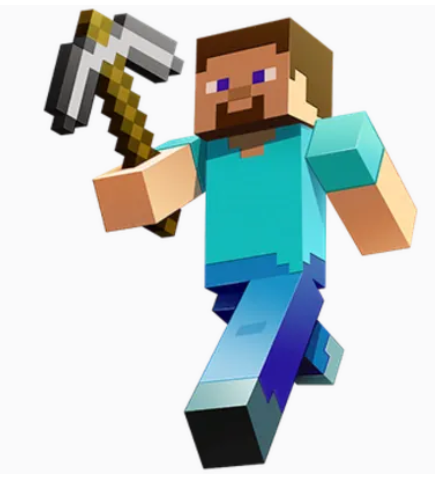
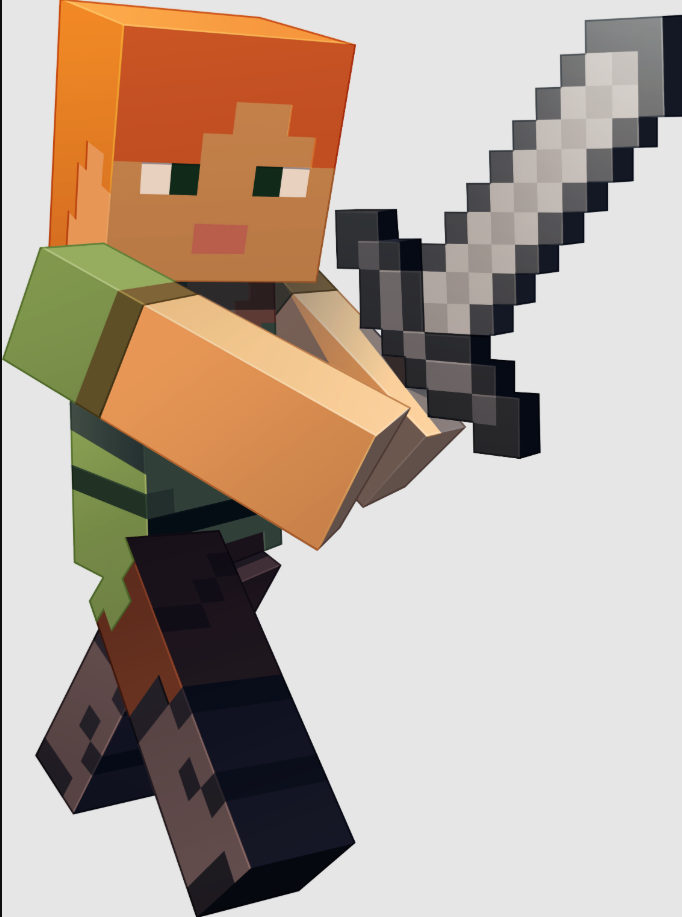
Choose your character

Steve Steve
Alex Alex

Room Created!

Share this link so others can join your world

MINECRAFTAI

Explore a world you can build with AI

Press B and describe anything — the AI builds it
WASD Move
Shift Sprint
Space Jump
Space×2 Fly toggle
R Reset Camera
U Toggle UI
B AI Build
N Undo Build
0 Pickaxe
1-8 Select Block
K Save Game
L Load Game

PRESS ANY KEY TO START

Settings